AI Image Studio
Every image your posts need, made in your brand
Describe it and Chirpy makes it: a social image, a poster, a carousel, an infographic or a product photoshoot. Then change anything by saying what you want.
Included with every plan, including the free trial.
An



From idea to post
From idea to post in three steps
What you get
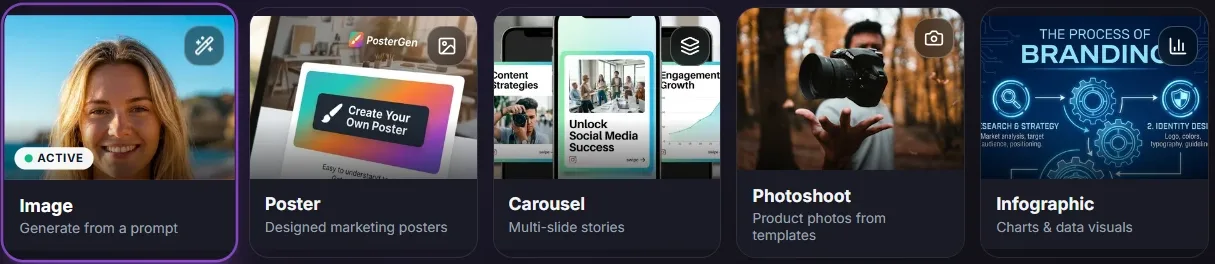
Five studios in one

Images in every shape
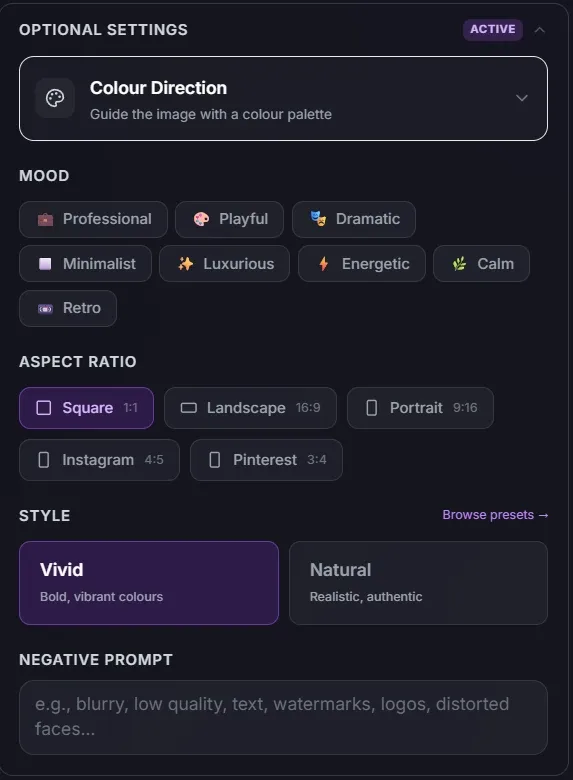
Square, wide, tall, 4:5 or 3:4, so each network gets the right fit. Choose a look, a mood and a color palette, or use your own colors.

Posters that read well
Promotions, events, menus, announcements and more, sized for Instagram, Stories, LinkedIn, Facebook or print.
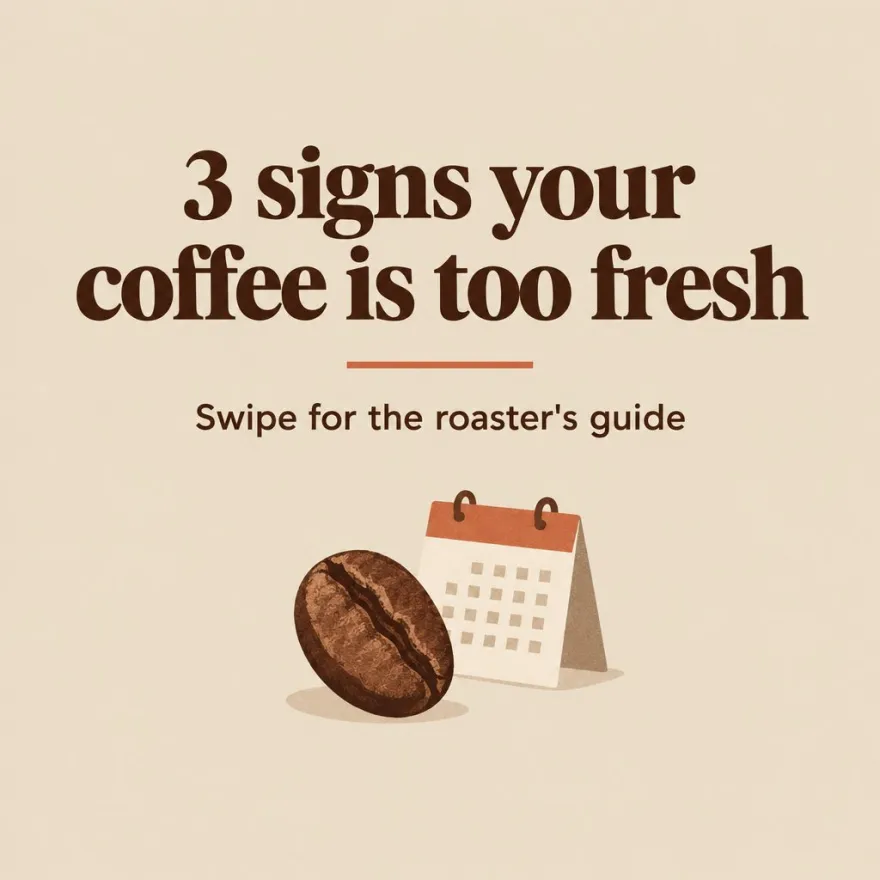
Carousels that hang together
Three to ten slides that share one design and tell one story. Redo a single slide without touching the rest.
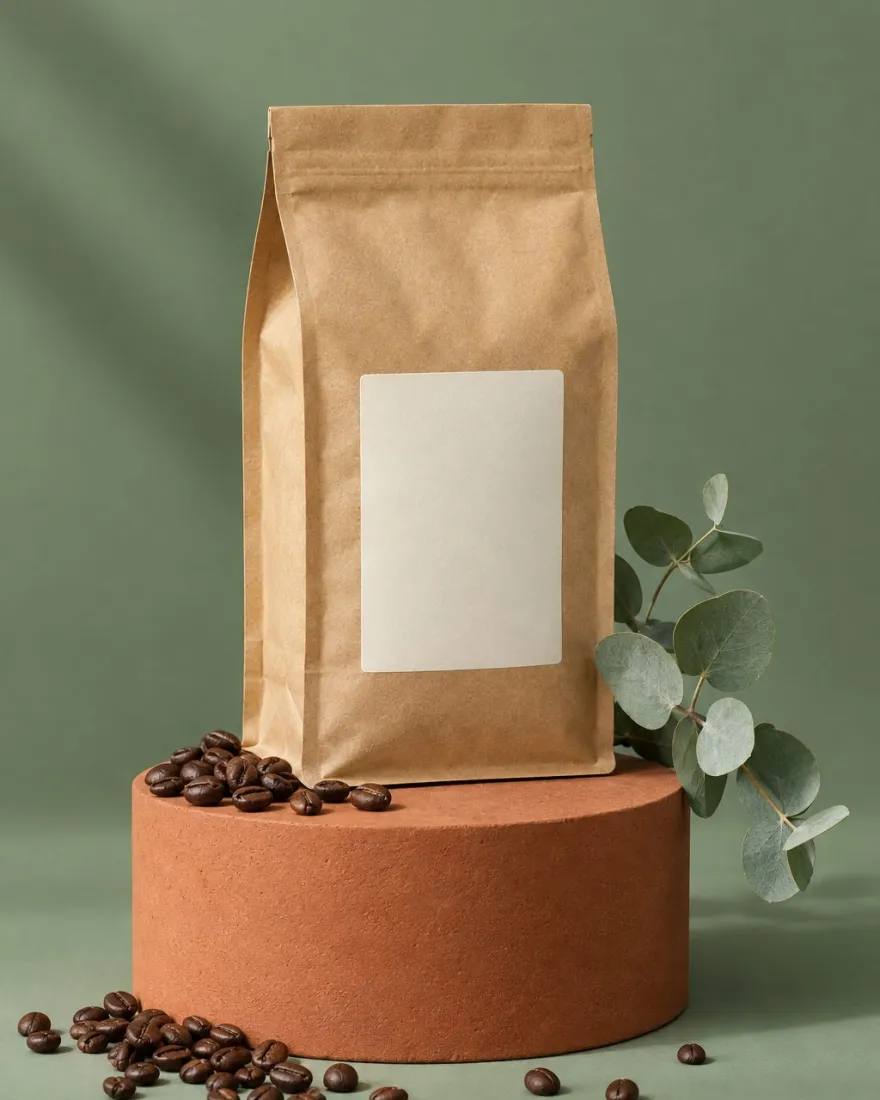

Product photoshoots
Turn one product photo into styled shots from dozens of ready-made scenes, without booking a studio.
- InfographicsTurn tips, steps or numbers into a clear, branded graphic people stop to read.
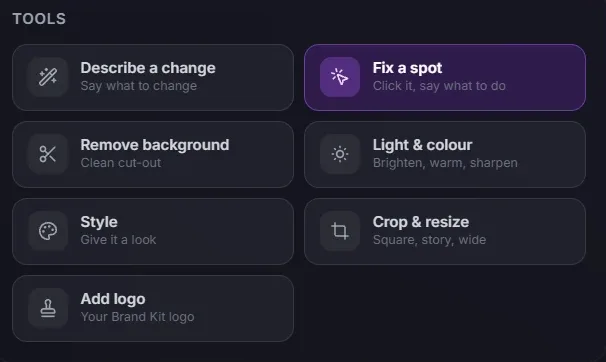
- Edit by describing itFix a spot, remove the background, change the light, restyle, crop or add your logo. Say what you want changed and Chirpy does it.
- On brand from the startYour Brand Kit brings your colors, fonts and logo into every image, so nothing looks off-brand.
- Use your own photosAdd up to five reference images, including iPhone photos, to guide the style or keep a real product in the shot.
Made in Chirpy
One café, a month of images
Every picture here was made in AI Image Studio for our example brand, Morning Ritual Coffee Co.
- Poster
- Carousel
- Product photoshoot
Better together
Made here, posted from here
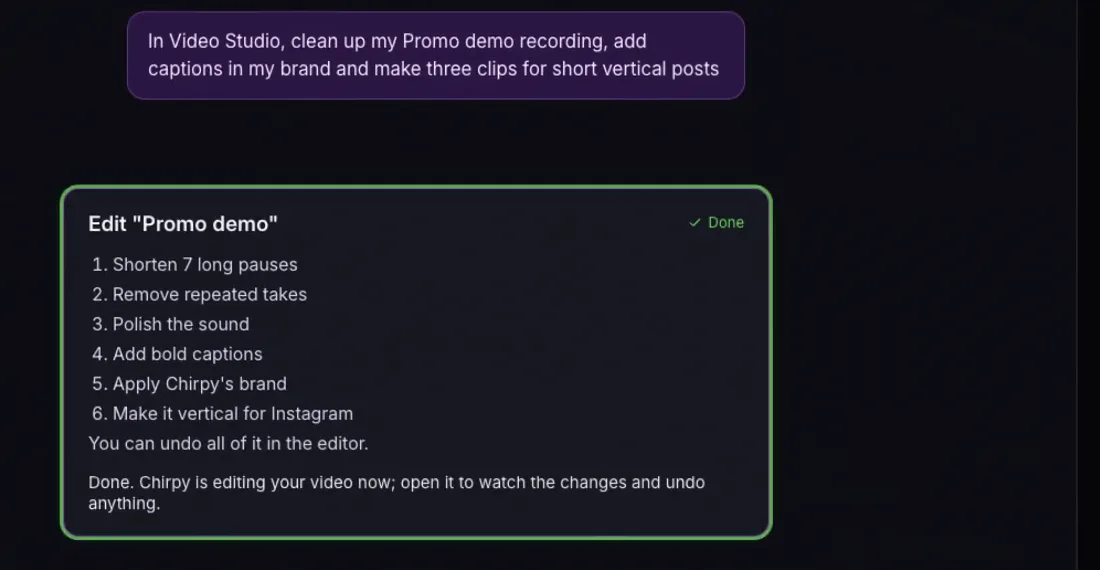
Every image lands in your Media Library and opens straight into a new post. Campaigns can make an image for every post, and Ask Chirpy can make them for you from a chat.
Questions
Everything people ask about AI Image Studio
Something else? Visit the Support Center or start a free trial and try it on your own brand.
Every plan, including the free trial. Images use AI credits from your plan's monthly allowance.
Social images, posters, carousels of three to ten slides, infographics and product photoshoots. You can also edit any photo by describing the change.
Yes. Open it in the Edit tab to fix a spot, remove the background, change the light and color, restyle it, crop or resize it, or add your logo from a Brand Kit.
Pick your Brand Kit and Chirpy uses its colors, fonts and logo. You can also save a style and reuse it.
Into your Media Library. From there you can put them in a post, download them or edit them again.
Read next
Try it with your own brand
Bring your brand. Chirpy does the heavy lifting.
7 days free. No card needed.